- The 8 Best Timeero Alternatives for Construction Crews
- 1. Workyard — Best GPS Time Tracking App for Contractors
- 2. ClockShark is Built for Simple Crew Time Tracking
- 3. busybusy Focuses on Job Costing and Equipment Tracking
- 4. ExakTime is Built for Rugged Jobsite Tracking
- 5. QuickBooks Time is Built for Accounting Integration
- 6. Hubstaff is Built for Productivity and Remote Tracking
- 7. Connecteam is Built for All-in-One Team Management
- 8. Deputy is Built for Shift Scheduling and Workforce Planning
- How to Choose the Right Timeero Alternative
- Bottom Line
Construction crews looking to replace Timeero typically run into the same few headaches. These include missed punches, vague job tracking, and having to manually fix hours before running payroll.
This guide breaks down eight software options built specifically for construction workflows. We focused heavily on GPS tracking accuracy, job-based labor visibility, and seamless payroll syncing.
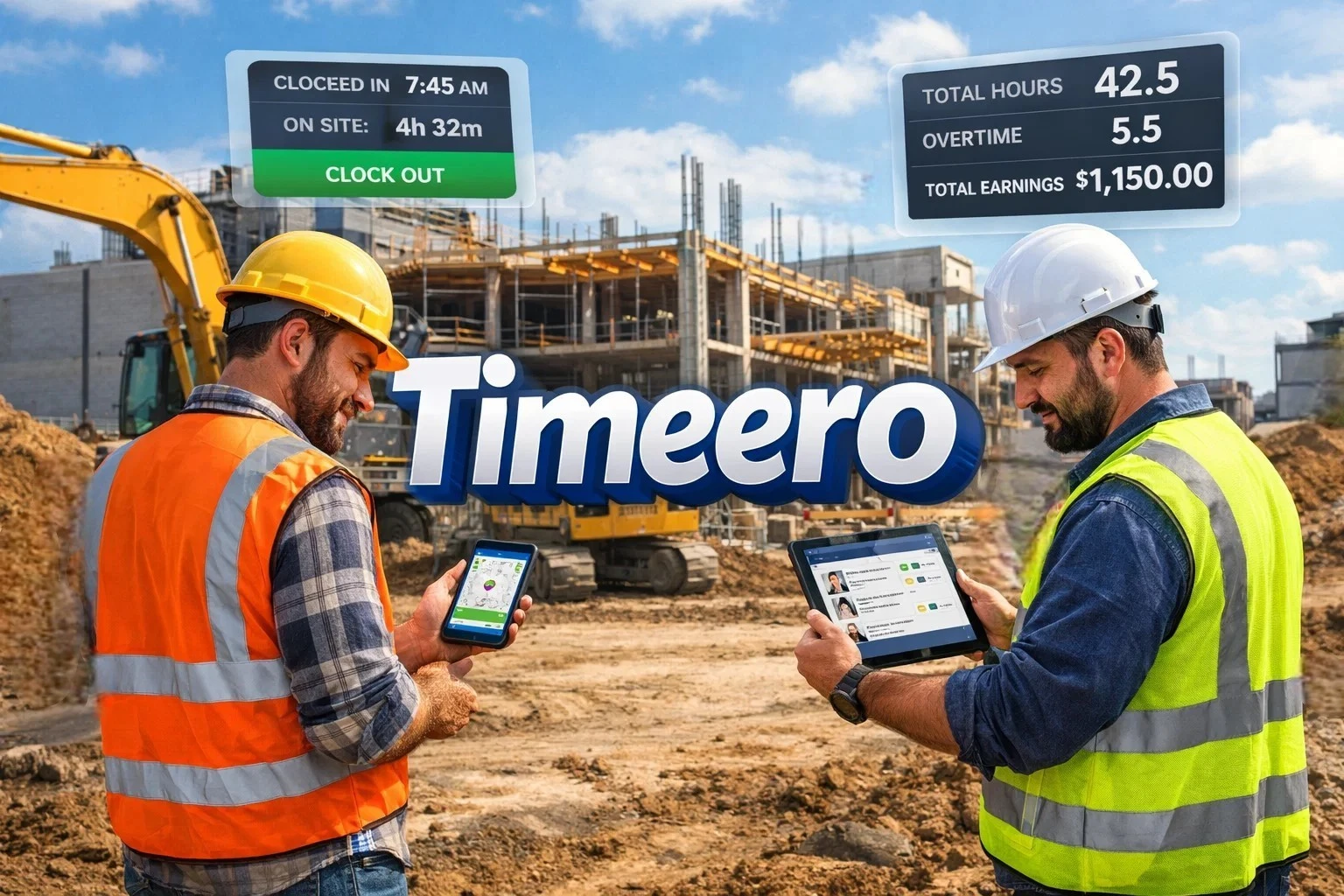
Here is a quick look at the top choices:
- Workyard
- ClockShark
- busybusy
- ExakTime
- QuickBooks Time
- Hubstaff
- Connecteam
- Deputy
The 8 Best Timeero Alternatives for Construction Crews
1. Workyard — Best GPS Time Tracking App for Contractors
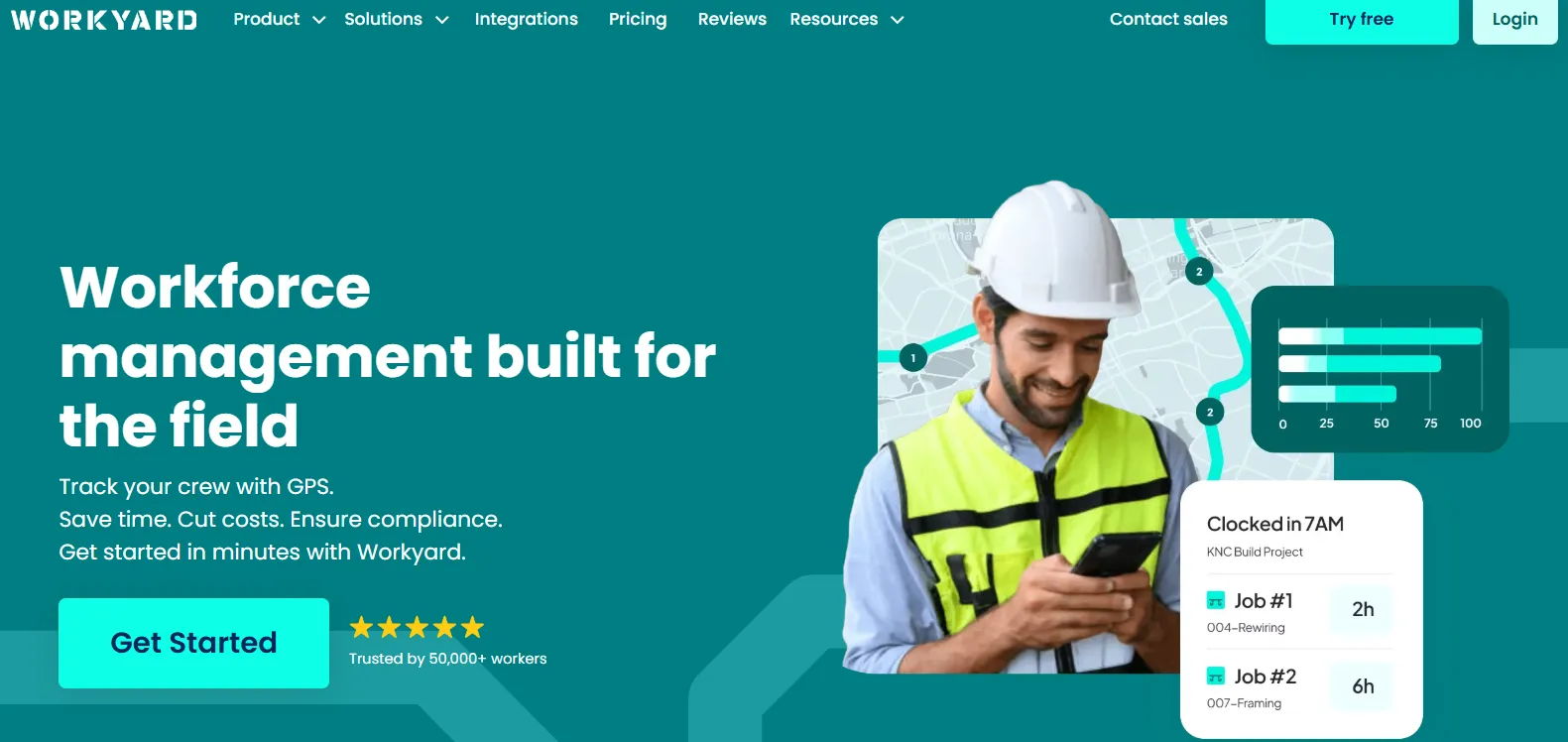
Workyard is built specifically for construction and field service teams that need accurate, job-based time tracking. Instead of relying on manual entries, it records GPS-verified clock-ins that are tied directly to specific jobs. Workyard uses high-accuracy geofencing to ensure workers are actually on the property before they can clock in, which drastically cuts down on time theft.
Key features:
- GPS-verified time tracking with exact start, stop, and travel time
- Job-based tracking with cost codes and real-time labor visibility
- Built-in scheduling connected directly to time tracking
- Live crew map showing who’s on site and where
- Payroll integrations with QuickBooks, ADP, Gusto, and more
Pricing starts at $6 per user per month plus a $50 base fee, with a 14-day free trial.
Pros:: GPS tied to jobs, strong payroll integrations, and an easy learning curve for field crews, plus real-time labor cost visibility.
Cons: Designed for field teams, not office-only businesses. Advanced reporting requires the Pro plan.
Note
This app is best for contractors who need proof of on-site attendance, clean payroll-ready data, and job costing that reflects real field activity.
2. ClockShark is Built for Simple Crew Time Tracking
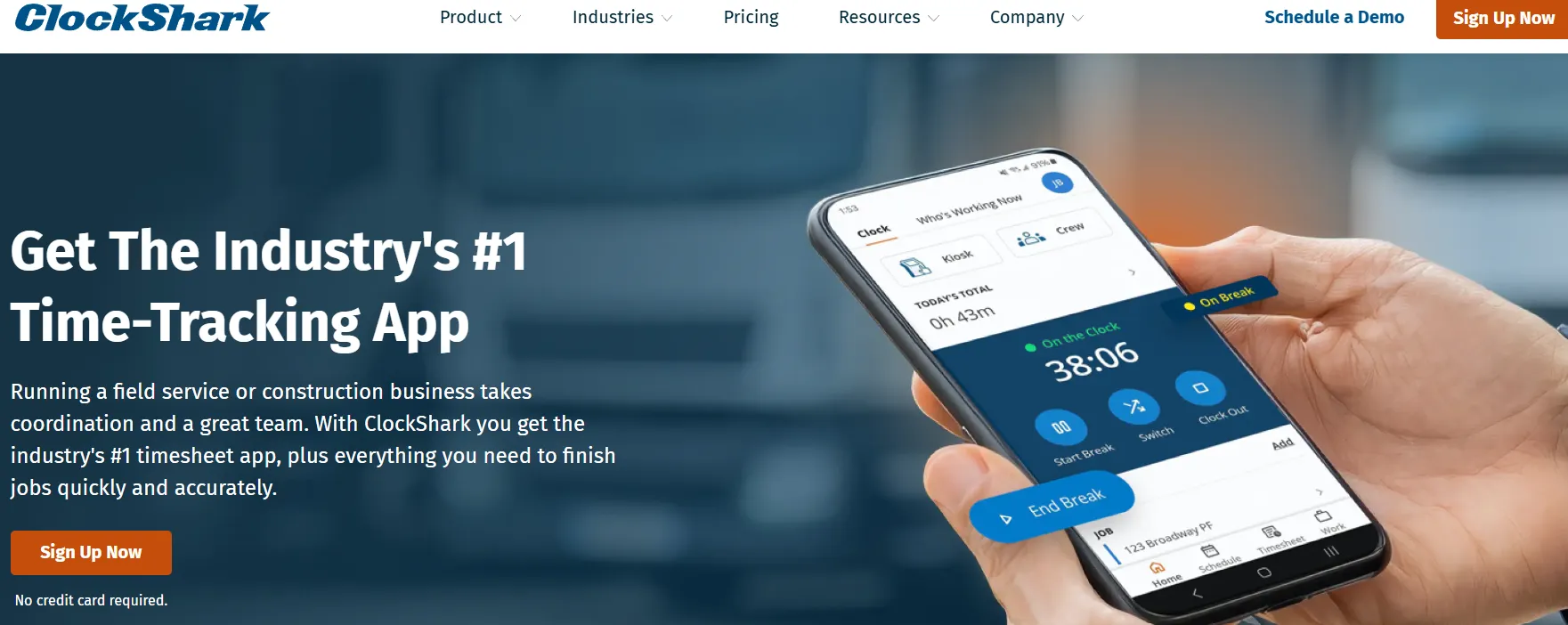
ClockShark is a straightforward time tracking app for construction and field service teams who want easy scheduling and hour management without a complex setup.
The platform provides several useful tools:
- GPS time tracking that includes location stamps
- Easy scheduling and job assignments
- Basic job costing and reporting functions
- A user-friendly mobile app for field crews
Pricing starts at $9 per user per month plus a $40 base fee, alongside a 14-day free trial.
Benefits include an easy setup process, strong scheduling features, and great functionality for small teams. However, you get limited reporting depth for larger operations, and payroll integrations might take a few extra steps.
Note
This app is best for small to mid-size contractors who want straightforward time tracking without a complex setup.
3. busybusy Focuses on Job Costing and Equipment Tracking
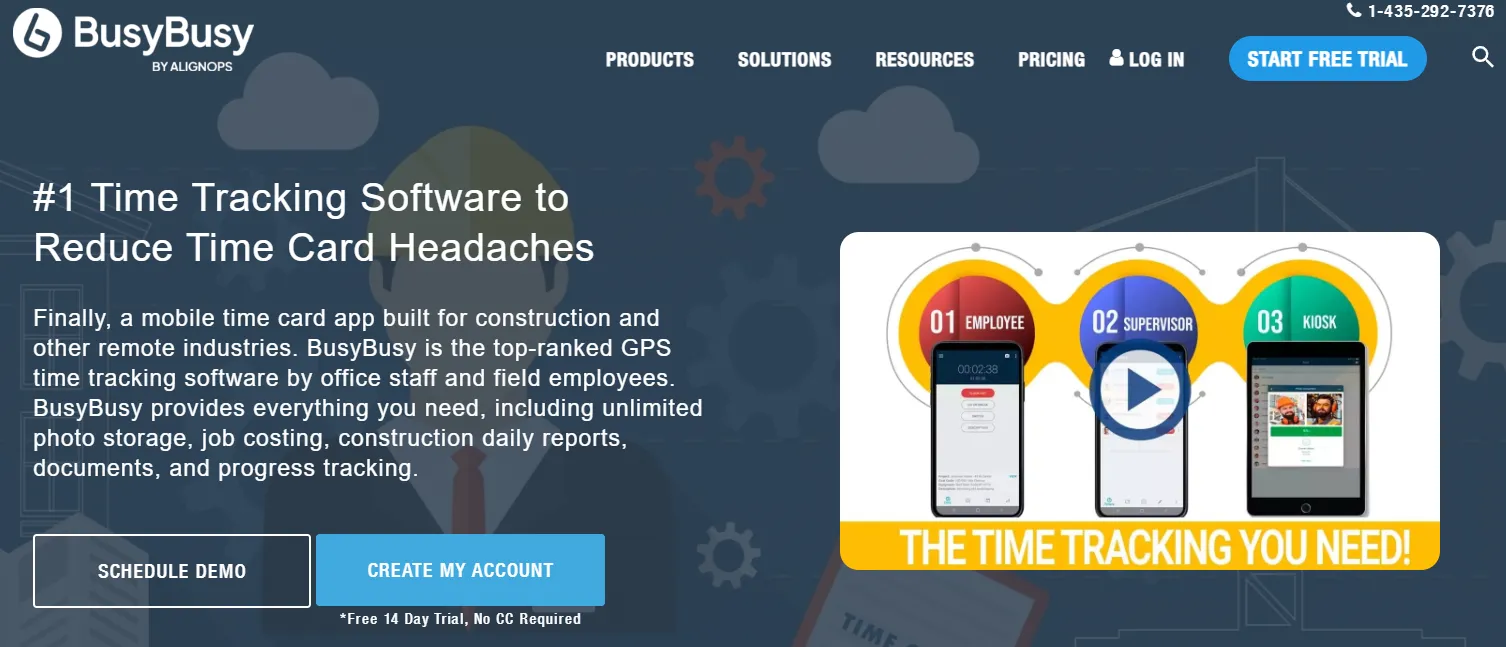
busybusy combines time tracking with job costing and equipment tracking in one construction-focused app, and they even offer a free plan to get started. Equipment tracking is especially helpful for civil and heavy highway contractors who need to bill machine hours to specific project phases.
Their system covers a few main areas:
- Standard GPS time tracking
- Dashboards dedicated to job costing
- Tools for tracking heavy equipment usage
- Daily reporting capabilities
There is a free plan available, while paid options start at $11.99 per user per month with a 14-day free trial.
Pros include strong job costing tools, a free version, and a design that supports everyday construction workflows. The catch is that the interface can feel cluttered, and you have to pay for certain upgrades to unlock all the features.
Note
This app is best for contractors who want to track both labor and equipment in one system without an upfront cost.
4. ExakTime is Built for Rugged Jobsite Tracking
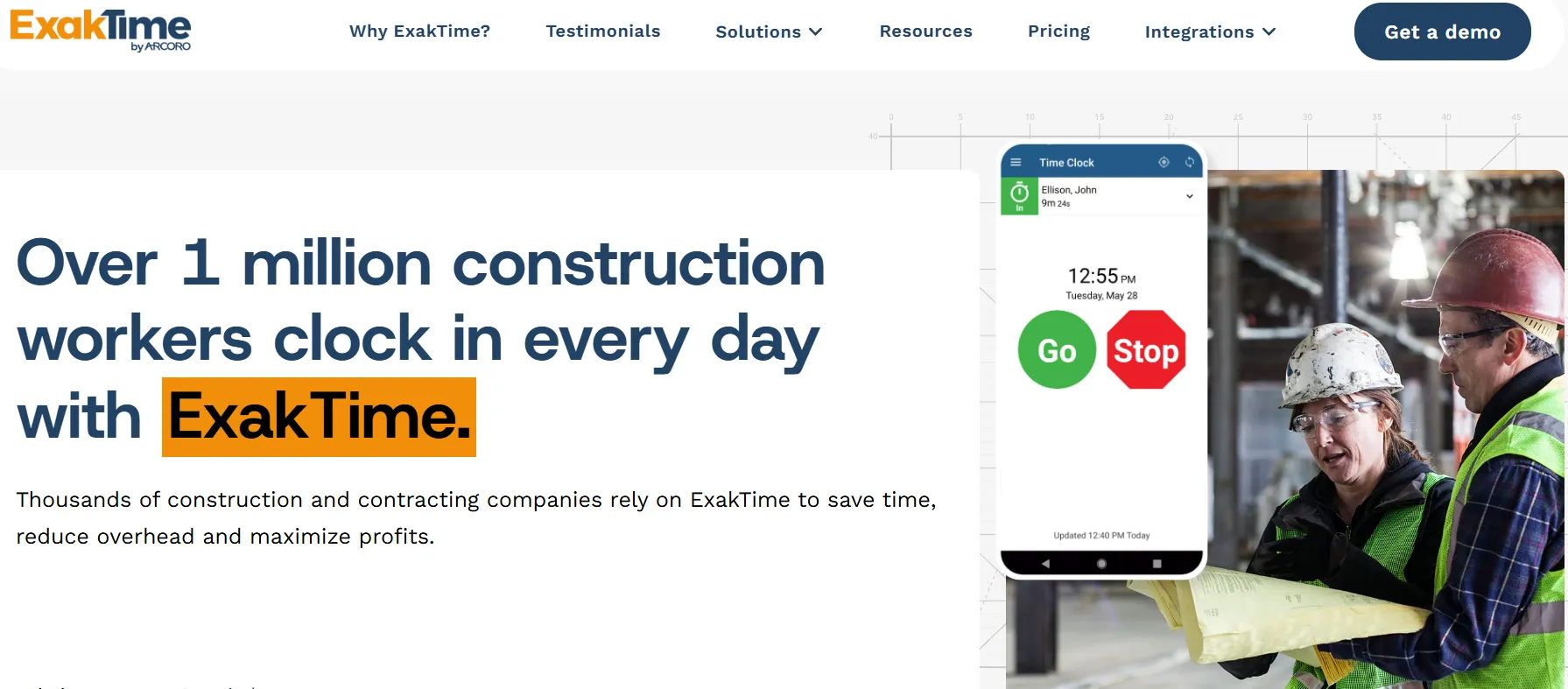
ExakTime is designed for construction crews working in tough environments. It offers reliable clock-ins even in remote areas through both mobile apps and physical time clocks. ExakTime rugged physical clocks are battery-powered and weather-resistant, making them ideal for ground-up builds without temporary power.
The service includes several rugged options:
- Both mobile and physical clock-in methods
- GPS tracking backed by jobsite verification
- Geofencing to restrict where workers can clock in
- Tracking for specific jobs and cost codes
Pricing starts at $9 per user per month when billed annually, plus a base fee. You can also request a demo.
You will benefit from reliability in remote or low-signal areas, hardware options, and strong jobsite-based tracking controls. Drawbacks include a lack of pricing transparency, a somewhat dated interface, and a setup that can take longer than simpler tools.
Note
This app is best for contractors managing crews in remote locations who need both mobile and hardware clock-in options.
5. QuickBooks Time is Built for Accounting Integration
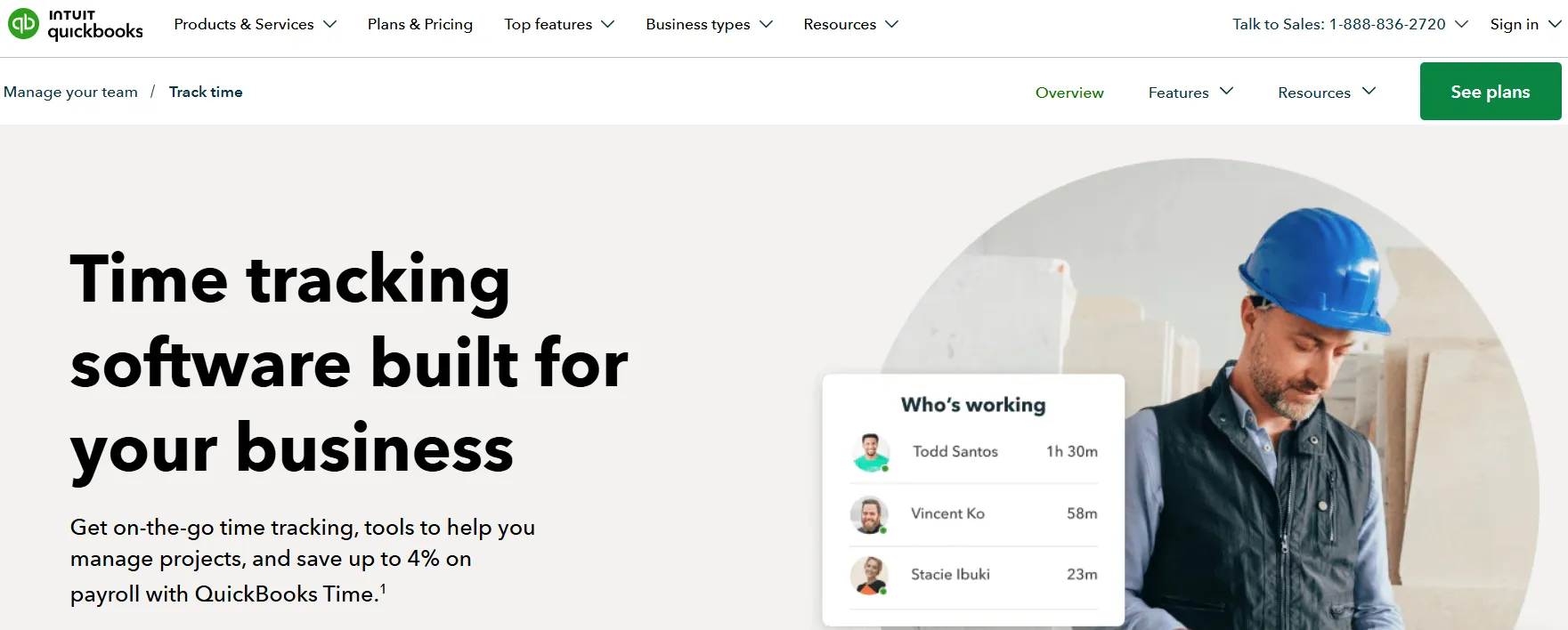
QuickBooks Time is designed to connect directly with QuickBooks for payroll and accounting. It is the natural choice for teams already working inside the QuickBooks ecosystem.
You can expect the following from this software:
- Standard time tracking with GPS location stamps
- Shift management and scheduling
- Direct integration with QuickBooks payroll
- Basic reporting and timesheet approvals
Pricing starts at $8 per user per month plus a base fee, with a 30-day free trial.
Highlights include seamless QuickBooks integration, a familiar interface, and easy payroll syncing. On the flip side, you get limited job costing depth for construction, the GPS is less focused on jobsite verification, and the costs can add up quickly with larger teams.
Note
This app is best for businesses already using QuickBooks that want a simple way to sync hours into payroll without advanced jobsite tracking.
6. Hubstaff is Built for Productivity and Remote Tracking
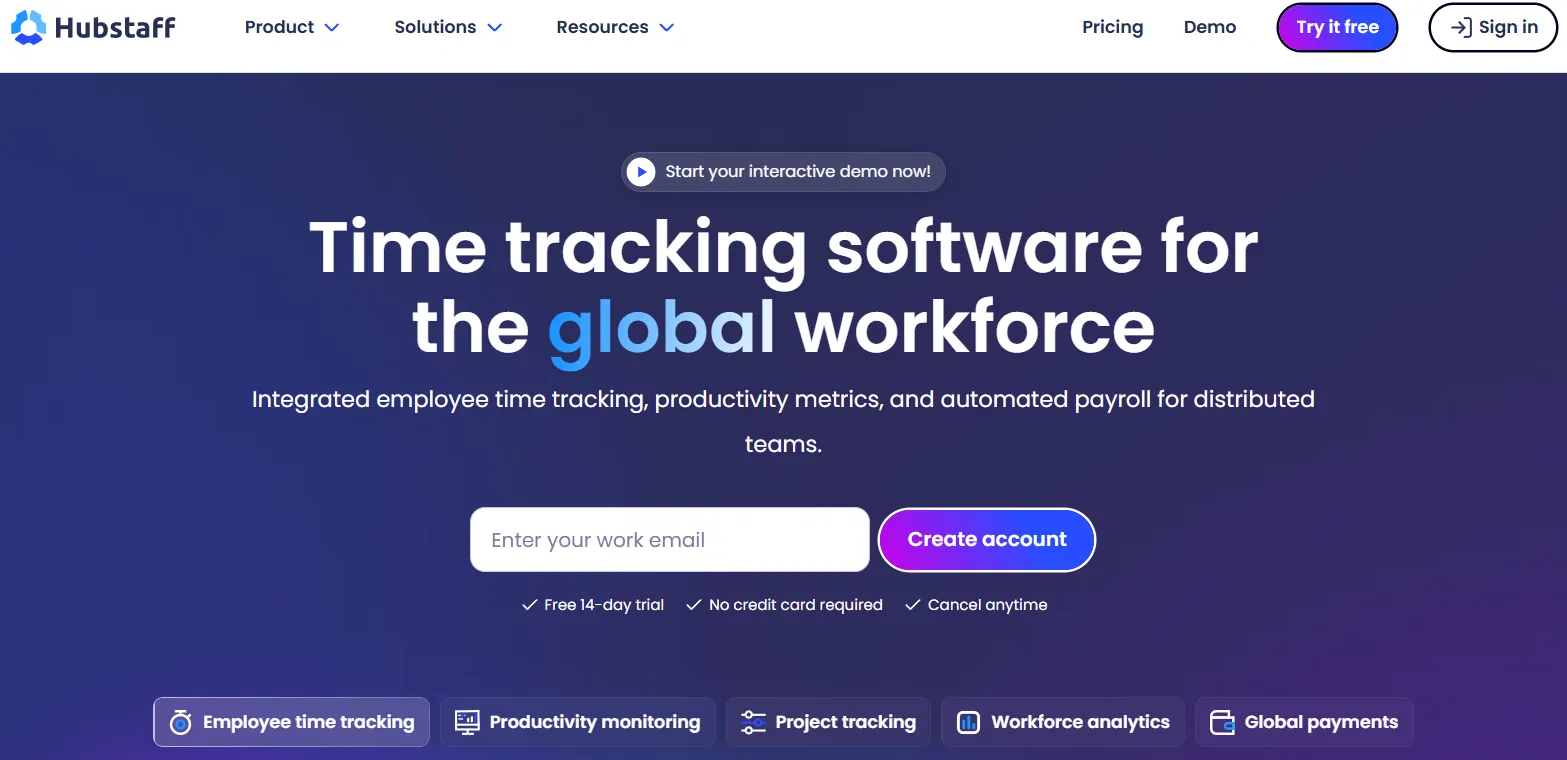
Hubstaff is a time tracking tool focused on monitoring productivity across remote and mobile teams. It includes GPS tracking but is not designed specifically for construction workflows. For example, it works well for specialty contractors who have a large office staff or remote estimators but might frustrate the boots on the ground.
The platform provides these core functions:
- Time tracking combined with activity monitoring
- Detailed productivity reporting
- Workforce management and scheduling
- Integrations with various payroll and project tools
Pricing starts at $7 per user per month, alongside a 14-day free trial.
Advantages include strong reporting and productivity insights, flexibility across industries, and a wide range of integrations. However, it is not designed for job-based construction tracking, activity monitoring might not suit field crews, and the job costing tools are limited.
Note
This app is best for teams managing remote or hybrid workers who need productivity tracking alongside time tracking.
7. Connecteam is Built for All-in-One Team Management
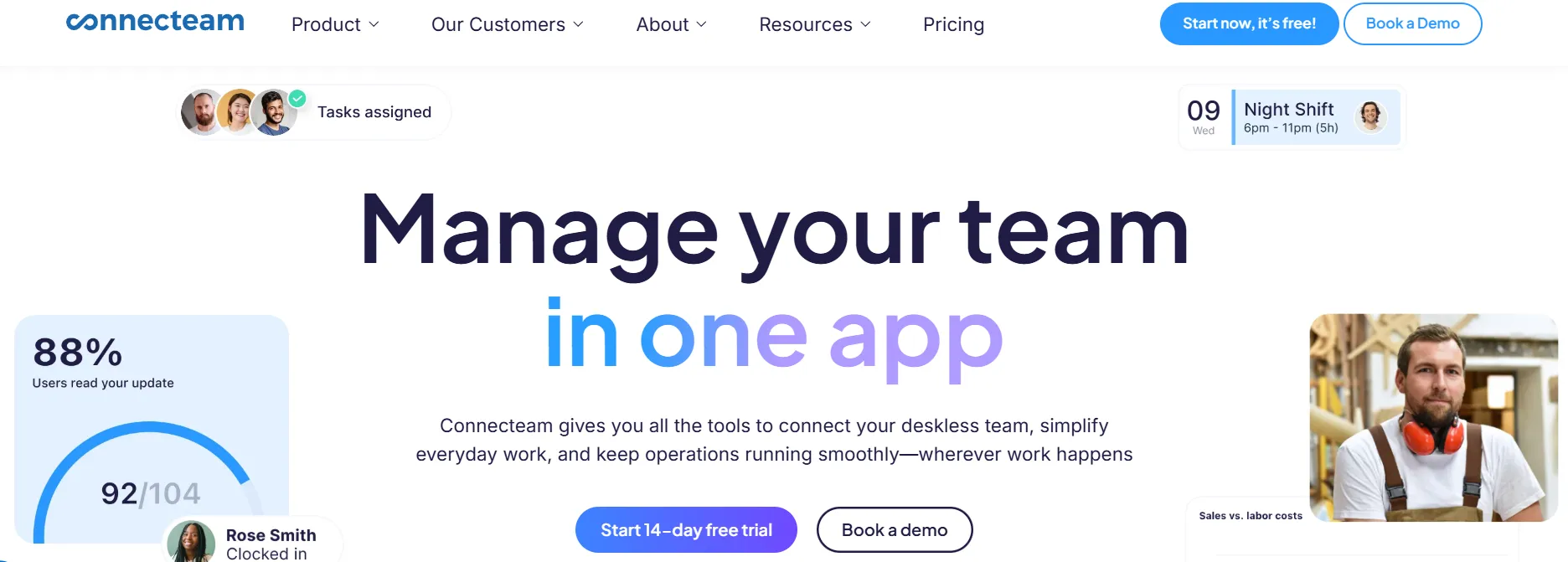
Connecteam is a workforce management platform that combines time tracking, scheduling, and team communication in one app. It is built for deskless teams across multiple industries.
The app includes several management tools:
- A digital time clock with GPS tracking
- Shift management and employee scheduling
- Built-in team chat and communication tools
- Checklists and task management
There is a free plan available. Paid plans start at $30 a month for up to 30 users, and feature a 14-day free trial.
It stands out as an all-in-one platform that is affordable for small teams and easy to deploy quickly. Keep in mind that it is not focused on construction-specific needs, offers limited job costing and reporting, and can feel feature-heavy if you just want simple time tracking.
Note
This app is best for smaller or mixed workforces that want one app for scheduling, communication, and time tracking.
8. Deputy is Built for Shift Scheduling and Workforce Planning
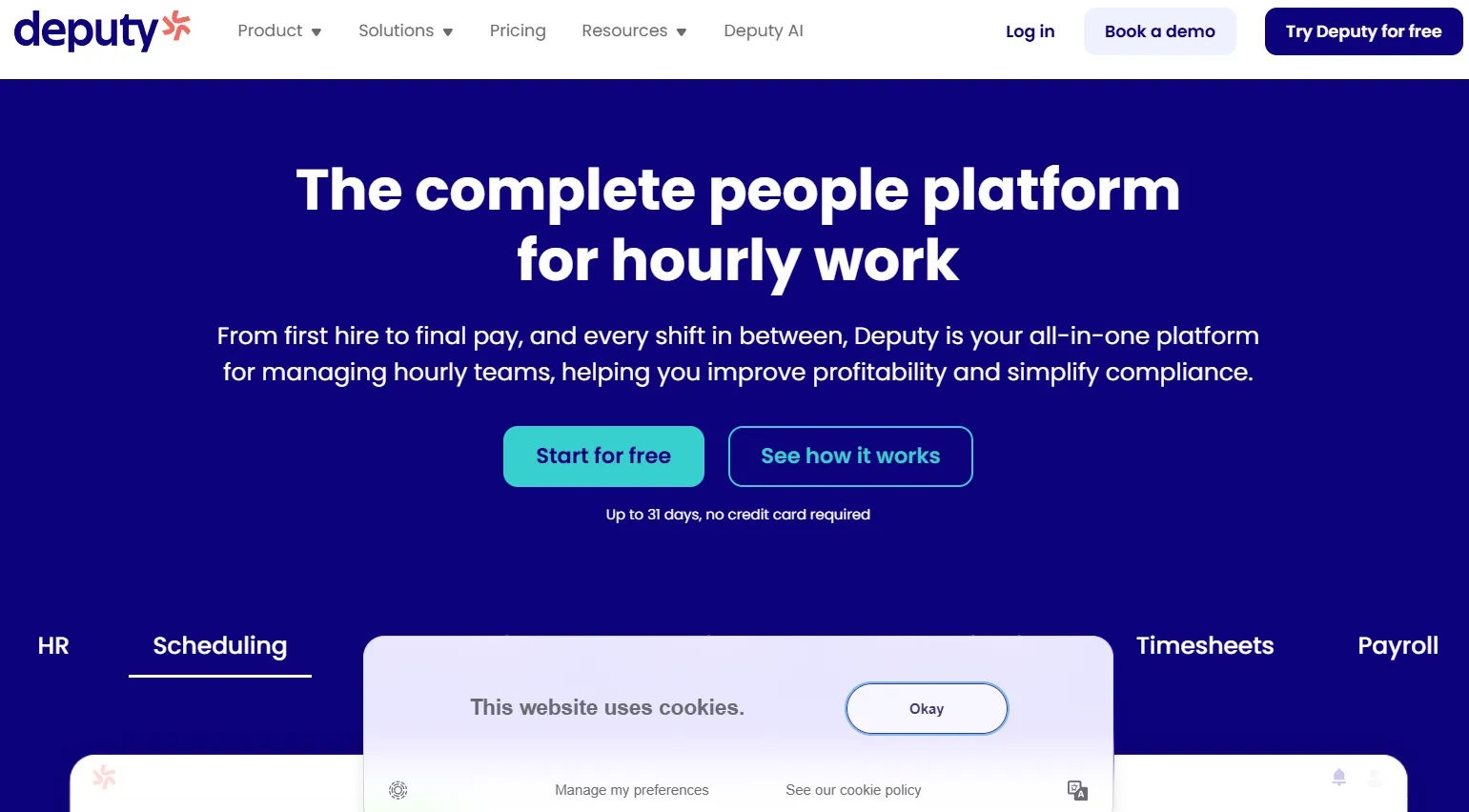
Deputy is a scheduling and workforce management tool designed to help businesses manage shifts, track time, and stay compliant with labor rules. This makes it a popular choice for retail and hospitality, but less ideal for complex commercial construction projects.
This software focuses heavily on scheduling:
- Shift planning and employee scheduling
- Mobile clock-in for time tracking
- Alerts and tools for labor compliance
- Basic payroll integrations and reporting
Pricing starts at $5.50 per user per month, backed by a 30-day free trial.
The main benefits include strong scheduling capabilities, affordable entry pricing, and useful compliance features. As a tradeoff, you get limited jobsite tracking and GPS verification. It also is not built for job costing, and the time tracking is secondary to scheduling.
Note
This app is best for service or shift-based businesses that prioritize scheduling and compliance over detailed job-based labor tracking.
How to Choose the Right Timeero Alternative
When narrowing down your options, you should focus on four specific areas.
- First is mobile usability. If the app is slow or confusing, crews will simply skip the steps and enter their time from memory at the end of the week. You should look for tools that work in just a few taps and function perfectly offline for remote job sites.
- Second is GPS and jobsite verification. Recording time is not the same as confirming someone was actually on site. The most reliable tools tie GPS data directly to a job at the exact moment of clock-in. This gives you solid proof without having to chase anyone down.
- Third is the connection between scheduling and time tracking. Running disconnected systems usually leads to wrong job codes and hours of manual fixes. Look for software where your workers can clock in directly from their assigned schedule.
- Finally, look for payroll-ready integrations. If you still have to clean up the hours before running payroll, the tool is failing to do its full job. Strong alternatives will push the approved time directly into your accounting software like QuickBooks, ADP, or Gusto.
Bottom Line
For most construction teams, Workyard stands out as the top overall pick because it combines GPS-verified time tracking, job-based labor visibility, and clean payroll integrations in one platform built specifically for the field. ClockShark is an excellent option for smaller crews who just want something simple to operate. If your team is looking to start with a free tier, busybusy is definitely worth a look.
Ultimately, the right choice heavily depends on your crew size, your current payroll setup, and exactly how much jobsite verification matters to your daily operations. Taking advantage of the free trials offered by these companies is the best way to see how the software handles your specific cost codes and crew workflows before making a final commitment.