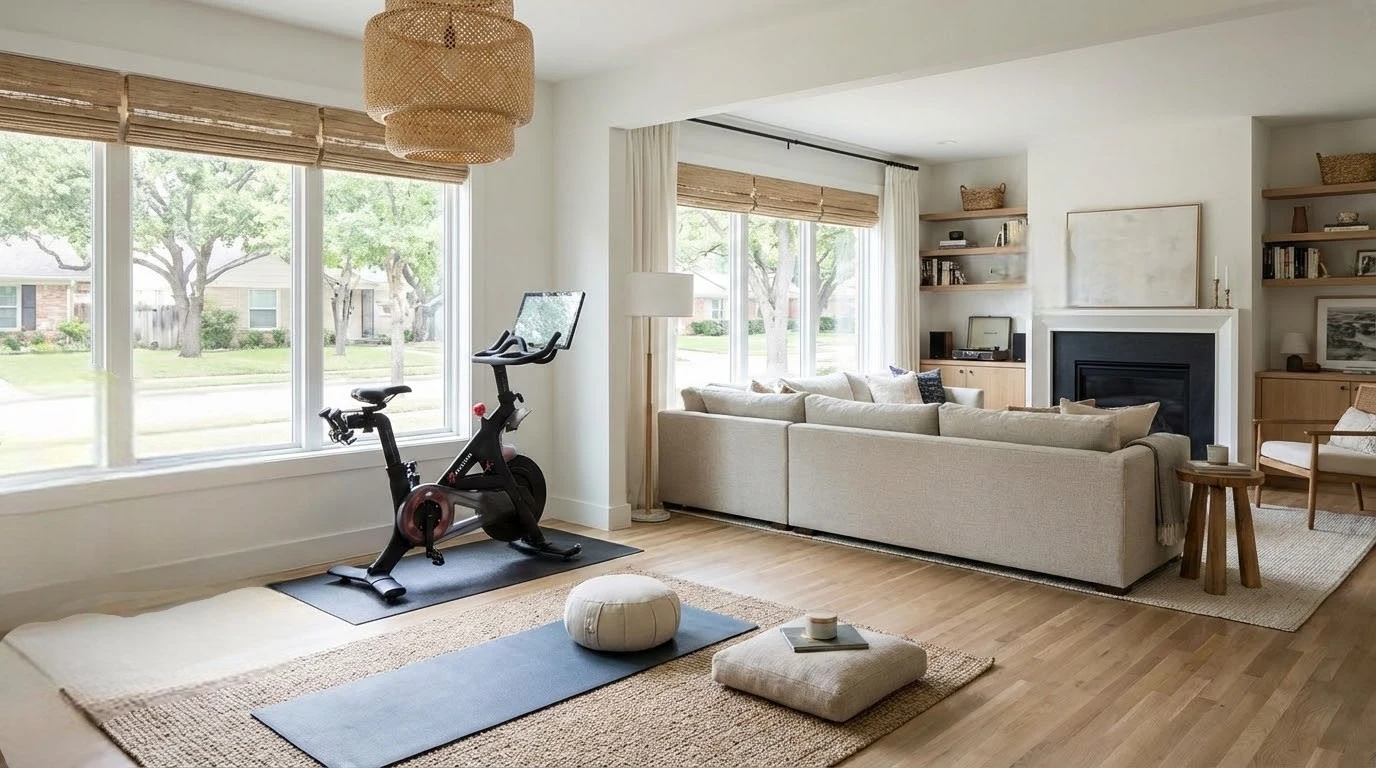
Over the past few years, countless Dallas homes have gained a new must-have space that feels professional enough for video calls but comfortable enough for everyday use. Spare bedrooms and dining nooks have permanently transitioned into dedicated professional workspaces.
In the first quarter of 2024, 35.5 million people teleworked or worked at home for pay, up by 5.1 million over the year, according to Bureau of Labor Statistics data. Optimizing these areas ensures they remain comfortable for eight-hour shifts while also appealing to future real estate buyers.
1. Clean Up the Look and Feel of Your Desk Setup

Your desk is the focal point of the entire home office. It serves as the background for video calls and acts as the primary visual anchor when evaluating the room’s utility. Small changes to this surface create a surprisingly large impression on the overall environment.
Start by addressing exposed cables. A bundle of tangled wires running across a desk immediately signals a chaotic, unfinished environment. Utilizing simple cable clips, under-desk management trays, or fabric cable sleeves instantly cleans up the visual noise.
After managing your cables, introducing a dedicated LED task lamp or a small ring light eliminates harsh shadows. Bright, even lighting makes compact spaces feel larger and more intentional. This improves visibility for daily tasks while also enhancing how the room translates on camera.
Finally, address the desk surface itself by removing excess paperwork and keeping only daily essentials within arm’s reach. Adding a unified base layer underneath your keyboard and monitor ties these elements together perfectly.
Adding a customized desk mat from Custom Envy protects the underlying surface from daily wear, scratches, and spills. It also adds a personalized design touch that reads as highly polished on video calls. This instantly makes a disorganized desk look cohesive and deliberate without requiring a full furniture replacement.
2. Upgrade Your Tech Without Overpaying

A polished desk setup only goes so far if the underlying hardware cannot support a modern workflow. For secondary home offices or shared family workstations, reliable technology comes down to performance, storage, and value. Interestingly, in 2021, women made up the majority of home-based workers despite men being the majority of the overall workforce, according to Census data.
No matter who uses the space, standard remote workloads require dependable specifications. These workloads typically include video conferencing, document editing, and multiple browser tabs open simultaneously. This requires 8 to 16 GB of RAM paired with a modern multicore processor.
Equally important is the inclusion of a solid-state drive, which allows the computer to start up in seconds rather than minutes. Brand-new desktops with these professional-grade specifications often cost between $700 and $1,200. However, a machine that is two or three years old performs identically for standard remote work tasks at a fraction of the cost.
Sourcing certified refurbished desktops from PCLiquidations provides homeowners with pre-owned technology from trusted brands. Choosing refurbished equipment is a sustainable workspace upgrade that extends a machine’s useful life. It also keeps functional electronics out of the electronic waste stream while providing excellent performance.
3. Stage the Office Like a Selling Feature

Even if selling your home is not an immediate priority, applying professional home staging principles sharpens a space for daily use.
A well-staged room meaningfully shifts how people perceive the overall value of the property. Implementing a few staging fundamentals makes a significant difference in these real estate-ready spaces. Removing personal paperwork and highly specific artwork ensures that a visitor or potential buyer can picture themselves working at that desk seamlessly.
Remember that consistency makes a room look styled and intentional.
- Keep decor minimal and neutral to appeal to a wider audience.
- Choose a cohesive set of neutral matching organizers, baskets, or bins to corral supplies.
- Set the desk for purpose by pulling the chair in and positioning the monitor at eye level.
- Maximize the lighting with a bright task lamp to make compact offices appear larger.
The room should look ready to work without feeling staged to the point of being hollow. The ultimate goal is to create spaces that look like genuine selling features rather than repurposed corners of the house. A room that shows beautifully and functions perfectly earns its square footage.
The Bottom Line
The home office has evolved from a bonus room into a baseline expectation for daily life and overall property valuation. Bringing a workspace up to a professional standard requires strategy rather than a massive renovation budget. By hiding cables, optimizing lighting, and securing reliable refurbished technology, you establish a highly functional environment.
Pairing these functional improvements with minimal, neutral staging transforms the area from an afterthought into a deliberate, highly appealing room. Implementing these simple workspace upgrades ensures the office supports your daily career demands.
Ultimately, treating your home office as a true selling feature serves as a daily quality of life upgrade while securing its status as a premium asset.